
Visual Studio Code
Pragma supports Lua development and debugging with Visual Studio Code. This includes code auto-completion and suggestions:
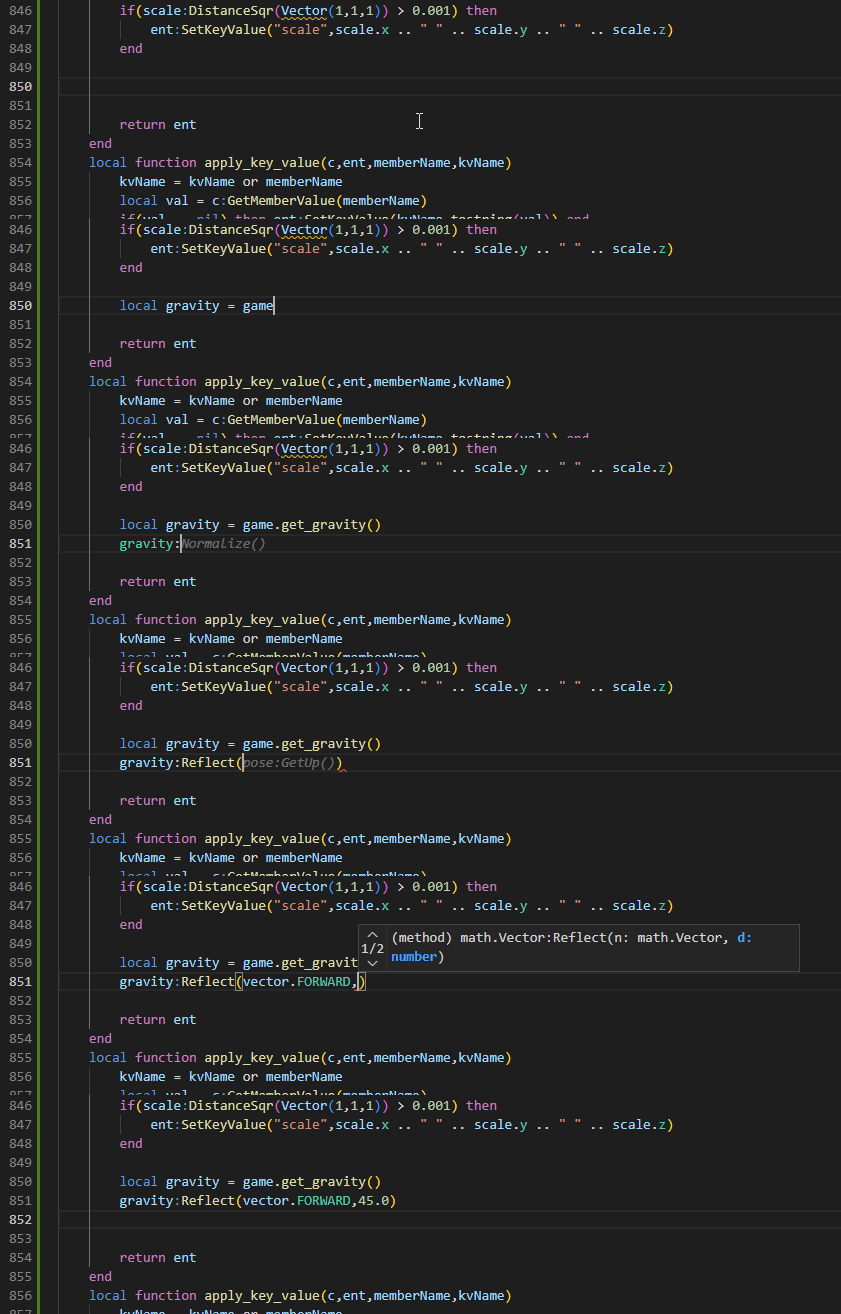
as well as debugging using breakpoints, step-by-step code execution and immediate code execution:
Setup
To enable it, install these extensions:


StyLua
For automated code-formatting, install the following extension:
After installing StyLua, press Ctrl +LShift +P, and run the command "Preferences: Open User Settings (JSON)". In the JSON file, add the following line below editor.defaultFormatter:
"editor.formatOnSave": true
Once all of these extensions are installed, open the root directory of Pragma in Visual Studio Code.
Debugging
To be able to use the Lua debugger, you have to start the debugger server in Pragma first.
LuaJIT will be disabled when debugging, which means script execution will be slower.
You
-luaext File > Open Folder...).
Run the console command debug_start_lua_debugger_server_cl in Pragma You can now use the debugging tools in Visual Studio Code.